Challenge
The challenge was creating a portfolio that feels premium and personal without becoming visually noisy. The site needed to support clear storytelling, responsive behavior and a strong first impression.
Learning Project
Personal portfolio concept focused on strong visual hierarchy, refined spacing and a premium presentation for frontend work.

Overview
This portfolio project was built to present my work, strengths and background in a more professional way. It combines frontend development, design decisions and content structure in one focused personal product.
Project Details
Type
Personal / Learning project
Stack
Next.js, Figma, Tailwind
Process
The process combined content restructuring, visual refinement, responsive iteration and frontend implementation. The goal was to create a portfolio that feels intentional from hero to footer, not just assembled section by section.
Challenge
The challenge was creating a portfolio that feels premium and personal without becoming visually noisy. The site needed to support clear storytelling, responsive behavior and a strong first impression.
Solution
I worked with typography, spacing, section rhythm and motion to create a clear one-page experience. The implementation uses a modern Next.js setup and components that balance presentation with performance.
Outcome
The result is a more intentional portfolio experience that communicates both technical ability and a design-aware approach to frontend work.
What Was Used
The project was shaped through a mix of product thinking, interface design and frontend implementation. The tools below reflect the main workflow and technologies used to bring it together.
Primary Direction
A closer look at the visual direction, layout hierarchy and interface decisions behind the project.
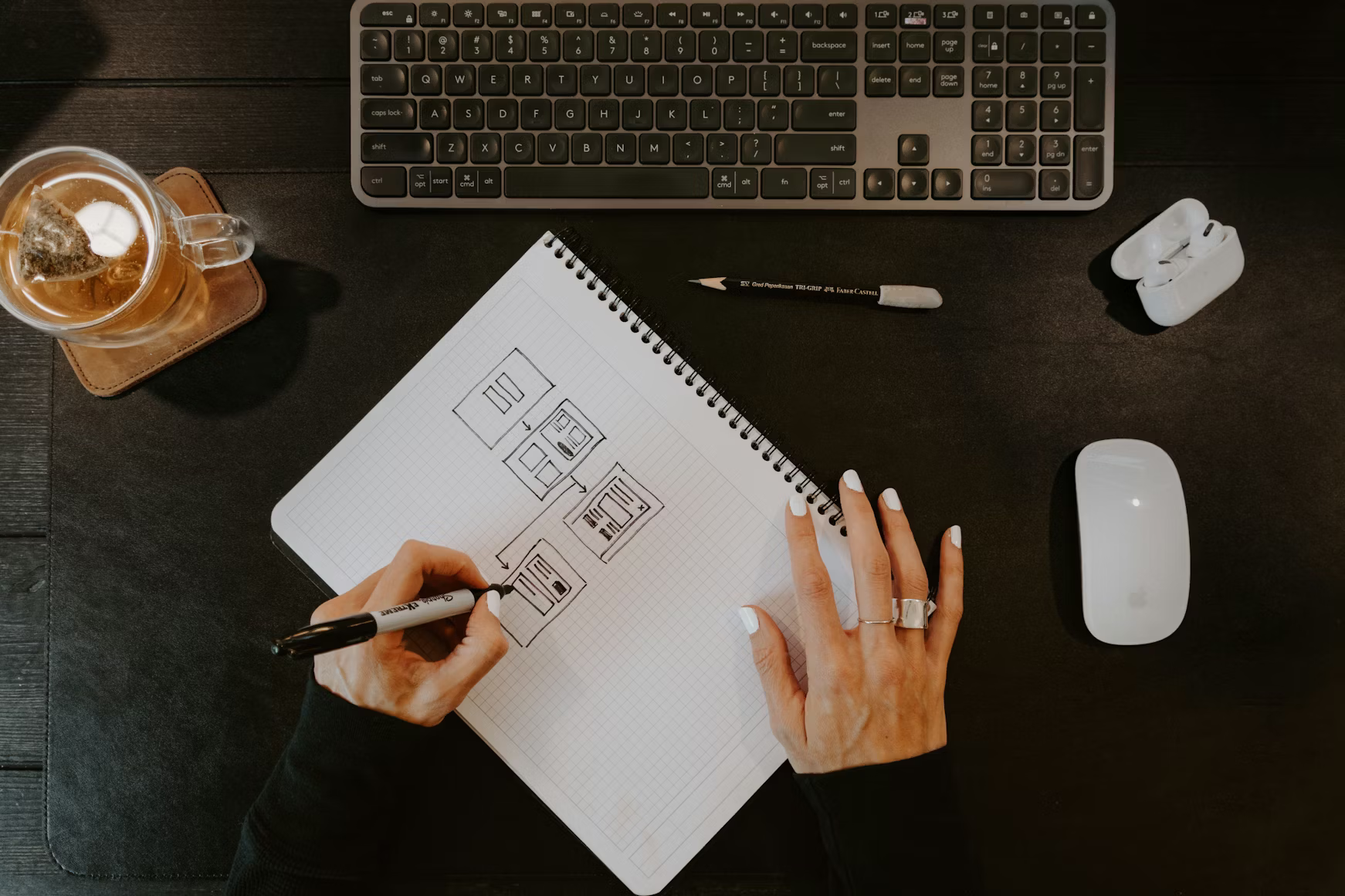
Design View 2
Additional UI context that supports how the project was shaped and presented visually.
UX / UI
The UI direction focused on typography, rhythm, contrast and section hierarchy. Figma thinking and frontend implementation worked closely together to create a portfolio that feels structured, editorial and modern.
Design Notes
This section is intended to show visual direction, interface thinking and supporting UX/UI material such as Figma screens, flows or design explorations. Each project can reuse the same structure while still feeling relevant to its own content.